
OUR TOOLS
The tools we’ve created for you to use!
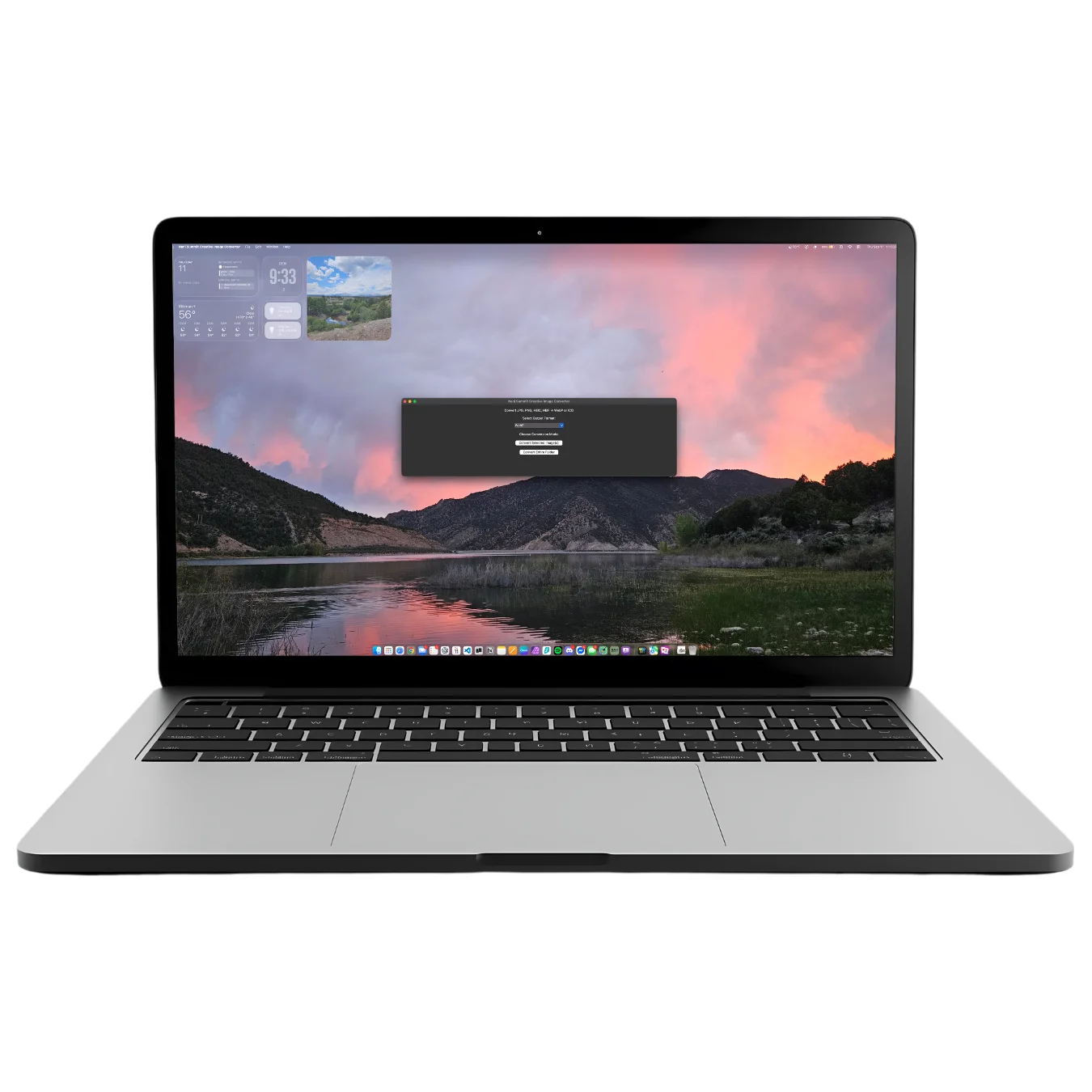
Welcome to your new best friend, a local image converter helping make the internet just a little lighter.
At Nani Summit Creative, we help outdoor brands, businesses, and organizations build websites that are not only beautiful and functional but also lighter on the planet. A big part of sustainable web design is reducing unnecessary digital weight—because the lighter your site, the less energy it consumes every time someone loads a page.
That’s why we created the Nani Summit Creative Image Converter: a simple app(soon to be available on Windows too) that makes it effortless to convert your images into the modern WebP format. WebP files are significantly smaller than traditional .jpg or .png images while maintaining the same visual quality, which means faster websites, happier users, and a smaller carbon footprint. This app runs the image conversion locally on your computer, no internet connection or servers needed.
We’re offering this tool on a “name your price” basis through Buy Me a Coffee—because we want it to be accessible to everyone, from solo adventurers running a personal blog to larger organizations working to share their story. Whether you choose to support our work with a coffee or download and use the app for free, you’re helping make the web a little greener.
Nani Summit Creative Image Converter Instructions
Convert your JPG, PNG, HEIC & HEIF files into lightweight, web-ready WebP images in just a few clicks.
Download & Get Started
For Mac Users
- Download the app below.
- Unzip the file and drag Nani Summit Creative Image Converter.app into your Applications folder (or Dock).
- The first time you open it, macOS may warn you it’s from the internet.
- Right-click the app → Open → then confirm Open again.
- Select a folder of images or an individual image you’d like to convert.
- Select the destination/file path you’d like your output folder to be placed in and name your output folder.
- The image conversion starts, and the progress bar, along with the number of images converted, will appear and update.
- You’ll see a success dialog saying “Converted X images” along with the file location you chose.
Troubleshooting
App won’t open on Mac
- Make sure you unzipped it first.
- If you still get security warnings: Right-click → Open → confirm.
Some images don’t convert
- Corrupt or unsupported files are skipped automatically.
- If .heic/.heif photos don’t convert, try exporting them from Preview (Mac) first.
The progress bar isn’t moving
- On Mac: you may just see the spinning beach ball during large batches. It’s still working, just give it some time.
💚 Why We Built This
At Nani Summit Creative, we design sustainable websites for outdoor brands, organizations, and businesses. Image optimization plays a huge role in reducing digital carbon footprints. This tool helps you convert bulky images into efficient WebP files—faster, cleaner, greener.
When you choose Nani Summit Creative as your development partner, you join a growing group of businesses and individuals aspiring to make their digital experiences the best and most impactful.
If you have any questions, comments, or concerns, please send us an email.
Let's Work Together
Have questions? We've got answers. Please fill out the form and we'll get back to you as soon as possible!
No questions and just want to chat? We'd love to talk to you!